Overview
Your profile is your professional identity on Key AI. Completing your profile helps other members learn more about you, build meaningful connections, and enables Key AI to curate more relevant opportunities and recommendations based on your professional background and interests. When setting up your profile, you can either use Key AI's AI-powered profile enrichment or complete your profile manually.
Why Complete Your Profile?
A complete profile helps you:
- Build your professional presence within the platform.
- Make it easier for other members to discover and connect with you.
- Showcase your professional background and expertise.
- Improve networking opportunities across communities and events.
- Receive more relevant opportunities and recommendations curated by Key AI.
Complete Your Profile with AI
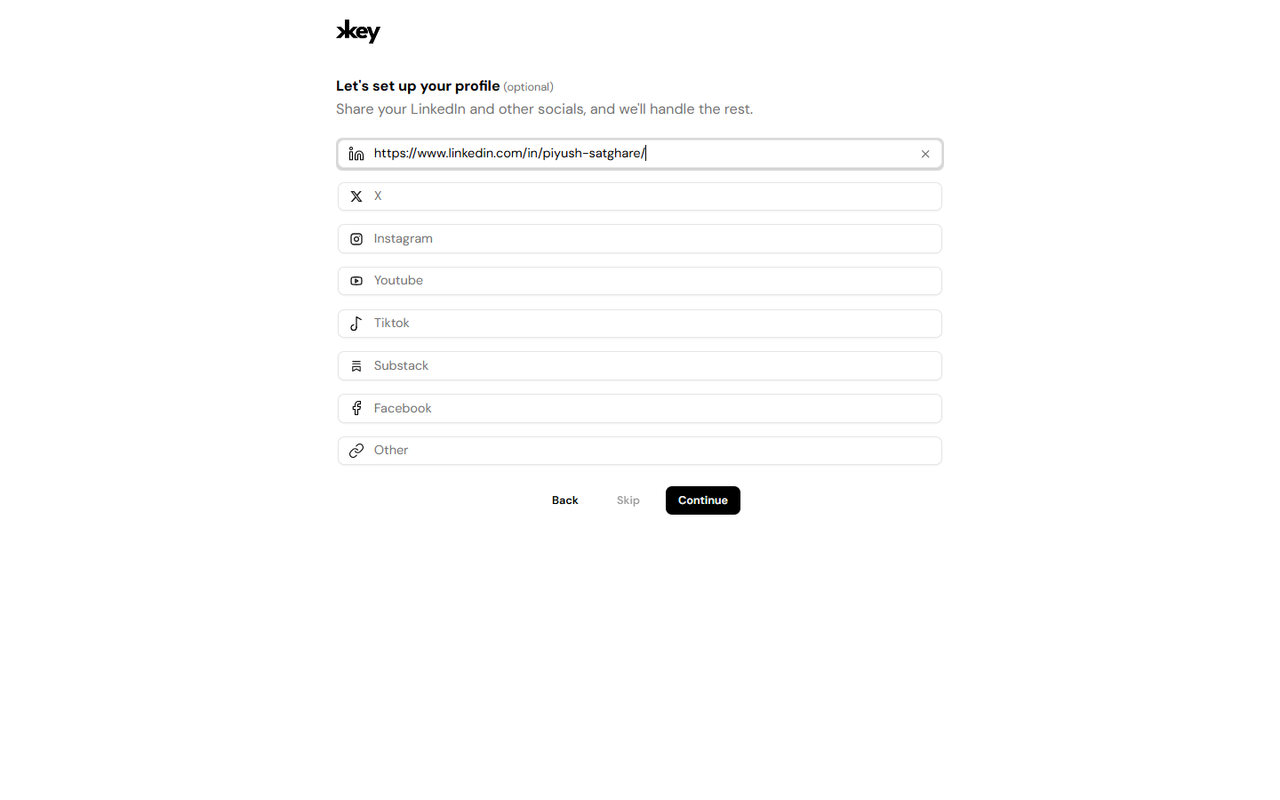
Key AI allows you to quickly build your profile by providing a link to your professional profile, such as your LinkedIn profile.
During profile setup:
- Open the profile setup flow.
- Paste your professional profile link in the provided field.
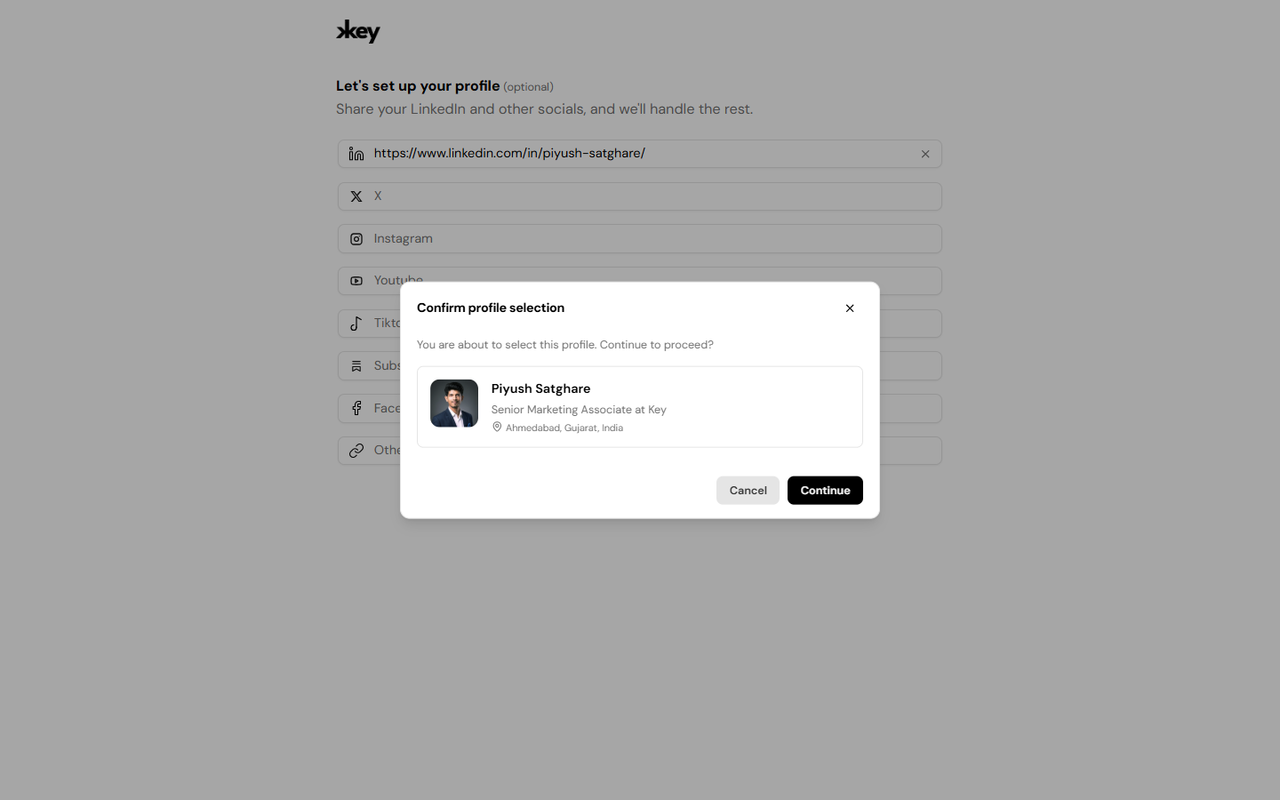
- Click Continue.
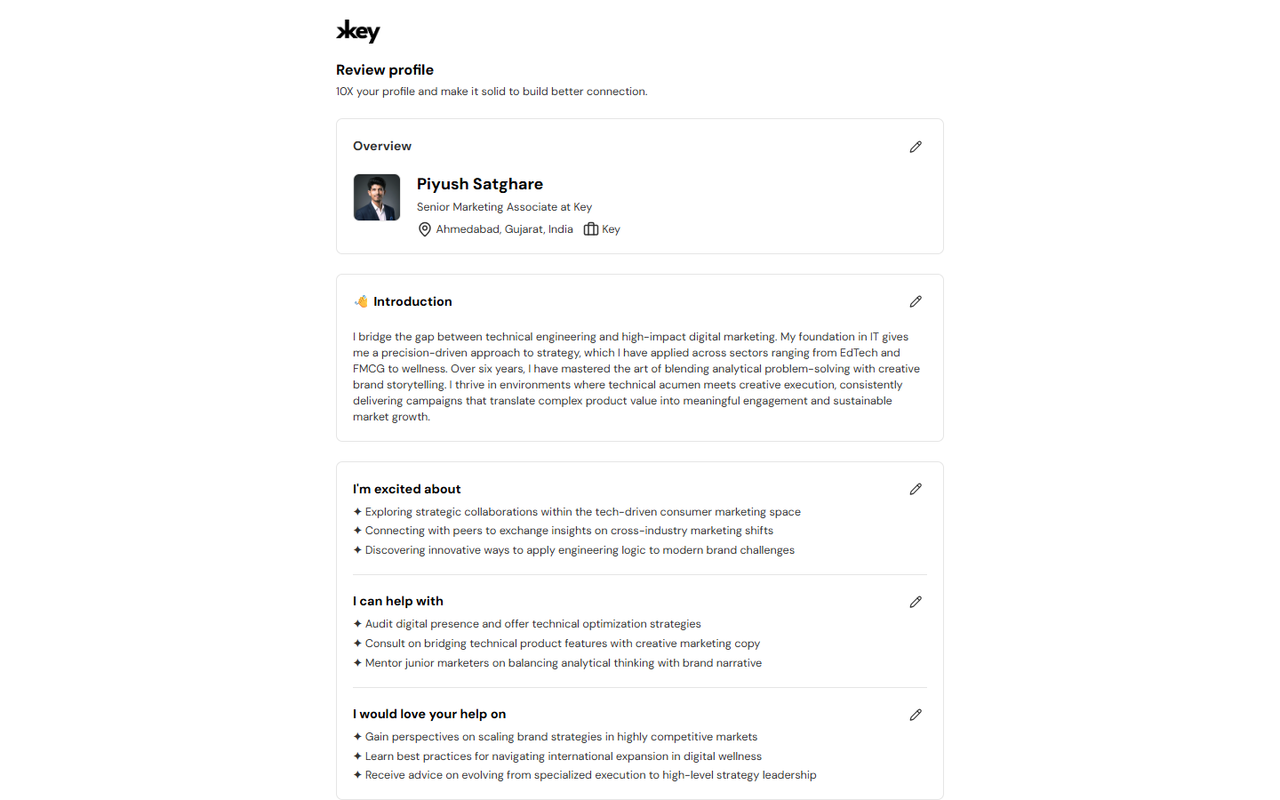
- Key AI will automatically extract available professional information to create your profile.
- Review the imported information and continue.
This helps you get started faster without manually entering your profile details.
Complete Your Profile Manually
If you prefer, you can skip profile enrichment and complete your profile manually. Simply enter the available profile information and save your changes.
Profile Photo
When using AI-powered profile enrichment, Key AI may import your profile photo from the professional profile you provided. If you'd like to use a different image, you can upload or replace your profile picture at any time from your profile settings.
Edit Your Profile
Your profile can be updated whenever your professional information changes. We recommend reviewing your profile periodically to ensure your information remains accurate and up to date.
Best Practices
For the best experience:
- Keep your professional information current.
- Review your profile regularly and update it as needed.
- Use a professional profile photo.
- Add accurate information to improve networking opportunities.
- Keep your profile up to date to help Key AI curate more relevant opportunities and recommendations.
Frequently Asked Questions
Do I have to complete my profile manually?
No. You can use Key AI's AI-powered profile enrichment to automatically create your profile from a supported professional profile link, or you can enter your information manually.
Can I edit my profile after it has been created?
Yes. You can update your profile information and replace your profile picture at any time.
Can I change my profile picture?
Yes. Even if your profile picture was imported during profile enrichment, you can upload a different picture whenever you like.