Overview
The Account Management section allows you to manage your Key AI account settings and access important account-related information. From this section, you can review your account details and manage available account options.
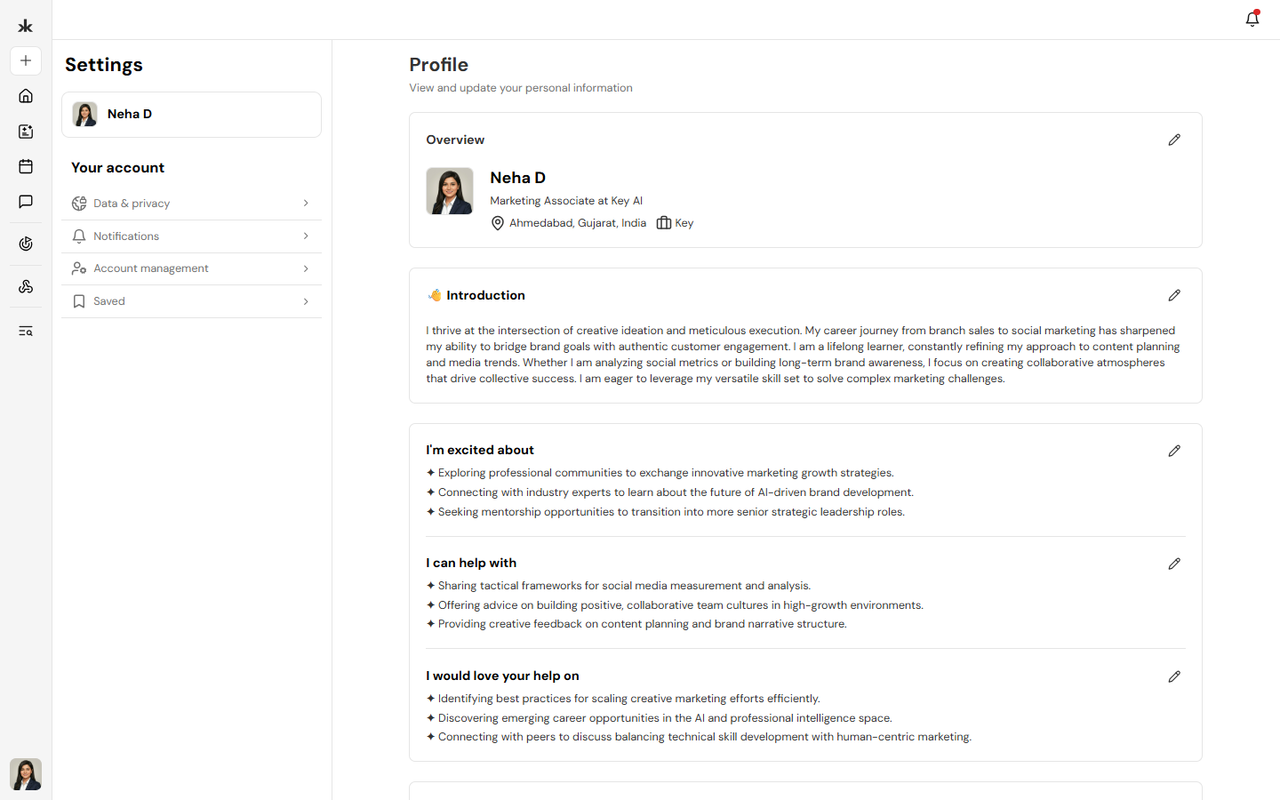
Access Account Management
To access your account settings:
- Sign in to your Key AI account.
- Click your profile avatar.
- Navigate to Settings.
- Select Account Management.
From here, you can view and manage the available account settings.
Manage Your Account
Account Management allows you to:
- Delete your account
Frequently Asked Questions
Where can I find my account settings?
Hover over your profile picture in the bottom-left corner and select Settings
Can I update my account information?
Yes. Account information can be managed from the appropriate settings pages, such as Profile, Notifications, and Data & Privacy.
Can I delete my account?
Yes your account can be deleted Go to Settings → Account management and then click on Delete account